 Cutwright
Cutting
A cut in Cutwright is a list of stretches of your recording, each from one word, shot or movement to another. The director chooses them; Cutwright places every cut on an exact frame and sample, in the pause beside the word, and tells you where it could not.
On words and pauses
Each segment plays the recording from one word to another. Inside it, the director can take words out: a filler, a stumble, a repeated phrase. A removal takes only one speaker's words, so whatever someone else says at that moment on their own mic stays, and the cut goes around it.
Tighten Ana's answer: lose the fillers and the false start, but keep the "um" before the hard part.
It reads the answer word by word, removes the fillers that only fill and the false start, and keeps the one that shows her thinking. Each cut lands in a pause; where there is no pause beside a word, the proposal flags the cut as tight and the director moves it or tells you why it stays. A word it removed can be put back.
What it holds to: keep whole thoughts; cut in pauses and on breaths; never cut a punchline or the beat before it; let a laugh play out. Segments can be added, moved, trimmed to other words and taken out, all by name.
Transitions
Each segment joins the one before it in one of four ways:
| Join | What you see and hear |
|---|---|
| Hard | Picture and sound cut together. |
| J cut | The next voice is heard first, over the picture before it. |
| L cut | The last voice trails over the next picture. |
| Dissolve | The pictures cross over a few frames. |
Let Sam's question lead over Ana's face before we cut to him.
It sets a J cut on the segment, 200 to 500 milliseconds, where a hard cut on a change of speaker would bump. J and L cuts move only the picture: the sound still cuts where the segments meet, so neither can bring back a word the cut clipped.
Following the speaker
With several cameras, a segment can follow the conversation by itself: whoever holds the floor, on a camera that has them in frame (never an empty chair), a beat into each turn, the wide for crosstalk, laughs and the start of a chapter, and another angle over a join that would jump. The cut list says which rule chose each switch.
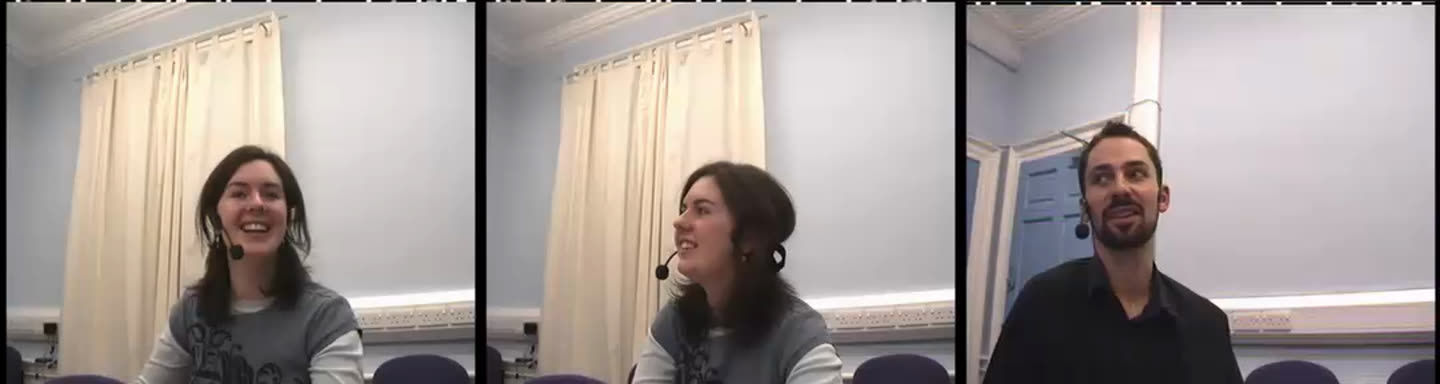
Hold on David while Laura explains the brief: I want to see him react.
It pins that segment to David's camera, or switches to it at the word where the reaction starts. A pin is kept as written, so a pin held across removed words is a jump cut, and the proposal flags it.
Vertical and other shapes
Say the cut is 9:16 and the crop follows the speaker's face, shot by shot. A short is its own edit, so the same recording can be a widescreen episode and several vertical clips.
Punch-ins over jump cuts
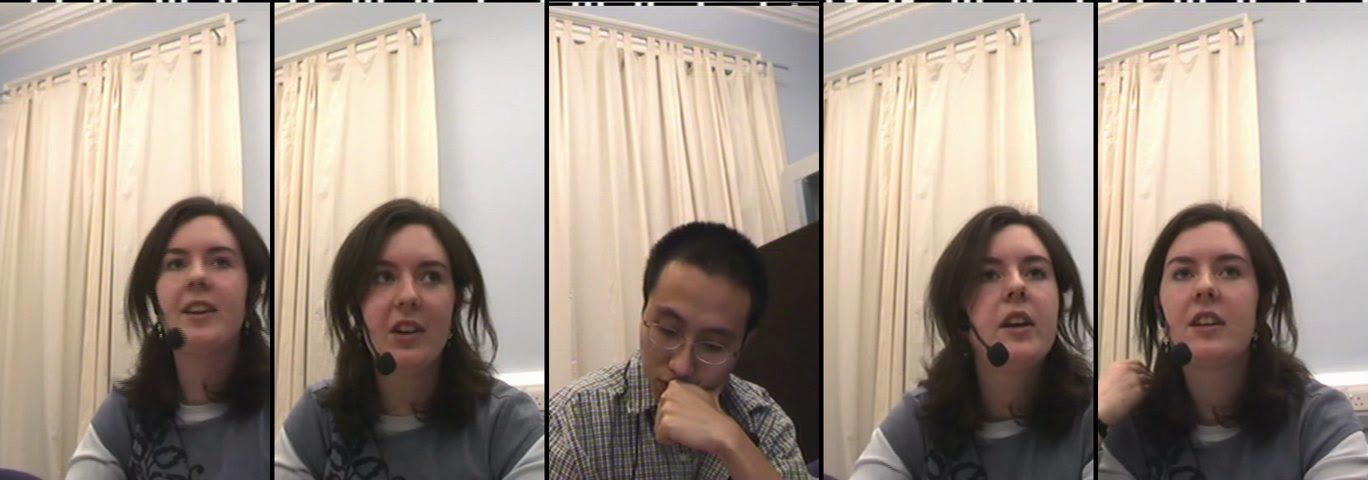
Taking words out of a single camera leaves a jump: the same framing either side, and the head twitches. On a one-camera show Cutwright punches in (a tighter window on the face) and back out in turn at each jump, so each reads as a cut. On a multicam show another angle covers the jump instead, and punch-ins stay off unless you ask for them.
Keep the whiteboard segment wide: you need to see what she's drawing.
It frames that segment wide, so no punch crops the board. Elsewhere it can open a segment close on the line that matters. It never punches into an empty frame, and it caps the zoom where the picture would go soft.
Cutting on action
Where nobody speaks, words give nothing to cut on. Cutwright finds the movements in every camera's picture (a hand, a turn, someone standing up), with when each starts, peaks and settles. A cut can land on any of those moments, and a cut from one camera to another can be a match cut: the outgoing angle shows the movement begin, the incoming one carries it on, from the same instant.
Cut to the wide as she stands up.
It anchors the switch on her standing up, a third of the way through the movement, and the check makes sure no frame of it is shown twice or skipped.
Cameras matched in colour
Cameras rarely agree: one warmer, one darker, and a person's skin changes colour at every switch. Cutwright matches every camera to one reference, from the same skin and the same neutral light measured on both at the same moments, and only where the match makes them closer. By default the reference is the camera on screen longest. On a real five-camera meeting the difference at the cuts went from 4.1 to 0.5 (CIEDE2000: 2 is hard to see, 5 is plain).
Match everything to the A camera, but leave the phone clip as it is: it's meant to look like a phone.
Picture that is not the scene
Old tape carries a timecode strip, and some recordings have bars or black edges. Cutwright finds the part of each camera's frame that is the scene and shows only that. If a contact sheet still shows a strip, or real picture was cropped, the director corrects it for that camera: the area found, the whole frame, or a rectangle you name.
Sound
Every dialogue mic is cleaned before the mix, measured for that mic: a high-pass, noise reduction learned from its own room tone, EQ and a de-esser only where they are needed, gentle compression. Room tone fills every stretch where all the mics are quiet, and any pause a mic's own sound leaves too quiet, so a cut never drops into dead air. A Reelwright insert plays at the level of the dialogue around it. The program is mastered to −16 LUFS as the delivered file measures, after the encoder.
The guest's mic is hissy. Can you clean it harder?
It can set the cleanup to strong for the whole edit, and then reads the check's lost words against the gentle render before it tells you it is better: strong takes more noise off, but costs words on quiet speech. Off leaves a clean recording untouched.
Speed and freeze frames
A segment can play at another speed: constant (50% is half speed, 200% twice as fast), or a ramp that eases into slow motion and out of it. Every frame shown is a whole frame of the recording, never a blend, and the render, the Studio and the browser's export show the same one. A freeze holds one frame of a camera, named by what is there, for as long as you say.
Slow down the moment the ball goes in, then hold on his face.
It ramps that segment down to quarter speed and adds a freeze of his reaction after it. Speed is for action and reactions, never for someone talking: no dialogue plays under a segment at another speed, so its sound is the room's tone or silence.