Cuts that keep the thought
Fillers, stumbles and long pauses come out in the breaths between words; a punchline and the beat before it never do.
 Cutwright
In development · free to try in your browser
An AI director for real video. It reads every word, pause, speaker and shot, cuts for meaning and breath, and dresses the show in one graphics package. You approve every change, and your footage never leaves your computer.
Chrome or Edge on a desktop. A demo show opens in one click; no account needed.
Watch a cut
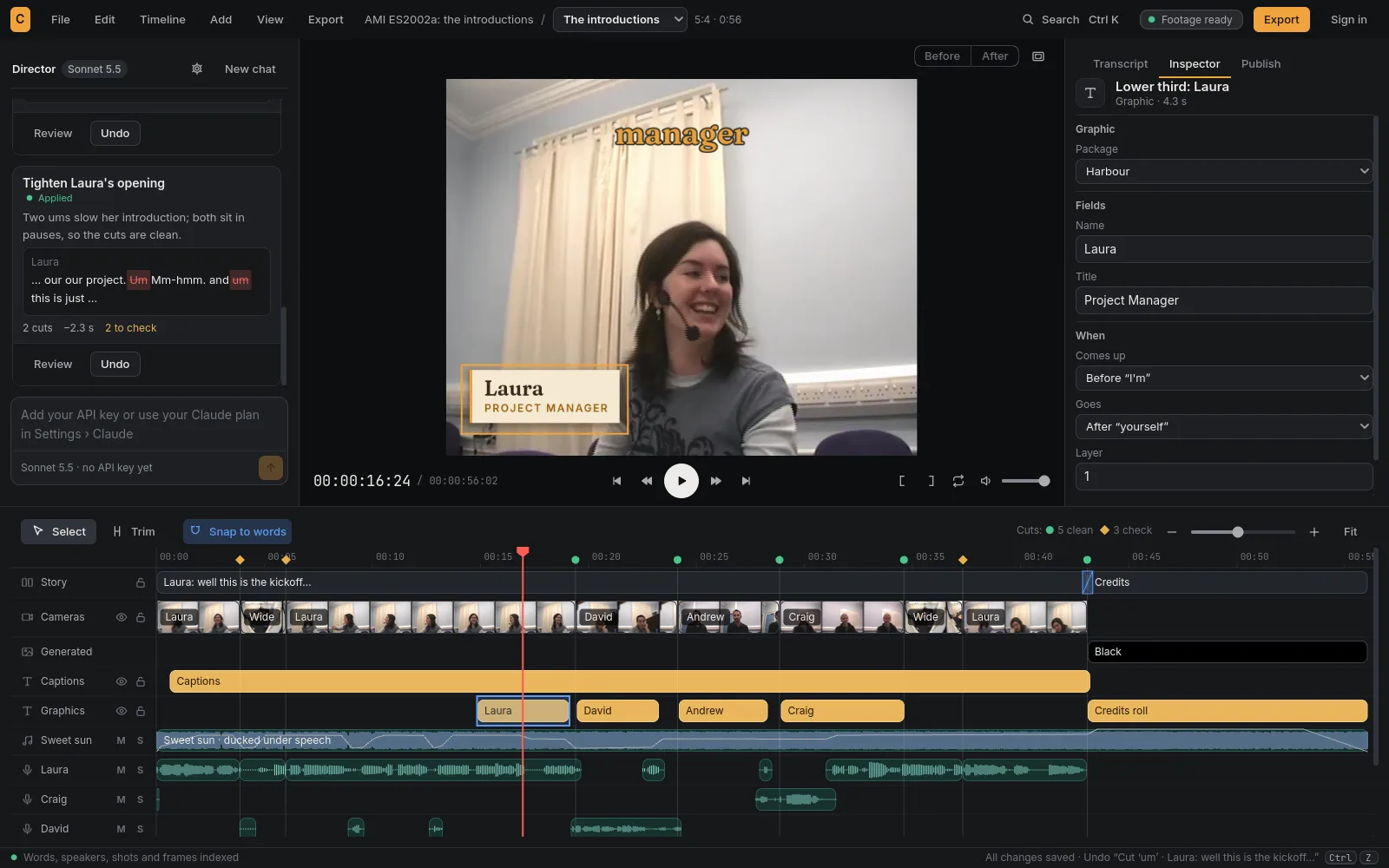
Five cameras and four microphones went in. The director followed the speaker, kept every introduction whole and put each person's name and role on screen as they began. It is the demo the Studio in your browser opens.
How it works
Add the cameras and the mics. Cutwright transcribes every word on your machine, works out who speaks when, and reads every shot.
Ask in plain words. The director proposes the change with its reasons, and the words it would cut struck through. Nothing changes until you approve.
Review before and after, approve, undo. Render the finished video, captions and shorts, or take the edit to your editing app with every clip, graphic and mic on a track of its own.
What the director sees
The director reads the footage the way an editor does. A filler and a false start come out, the thought stays whole, the camera follows whoever is talking, and the name card lands as the speaker starts to explain. Every cut is snapped to a safe frame and sample by the code, never typed by the model.
MAYASo um, the reason we built the boat — no, wait, let me start again — the reason we built it was the storm. It took the old one in a night.
What it does
Fillers, stumbles and long pauses come out in the breaths between words; a punchline and the beat before it never do.
It cuts to the camera on whoever is speaking, and on a single camera it punches in at each jump so the jump reads as a cut.
Lower thirds, title cards, callouts and credits come from your show's graphics package, drawn live as you edit and the same each week.
The word-by-word captions people post, on the frames their words are said, and captions and chapters translated, line by line.
Vertical, square and 4:5 versions that follow the speaker's face, with the graphics laid out for the shape.
It renders the cut, listens back for clipped words and clicks, and says plainly what it checked and what it didn't.
The first cut
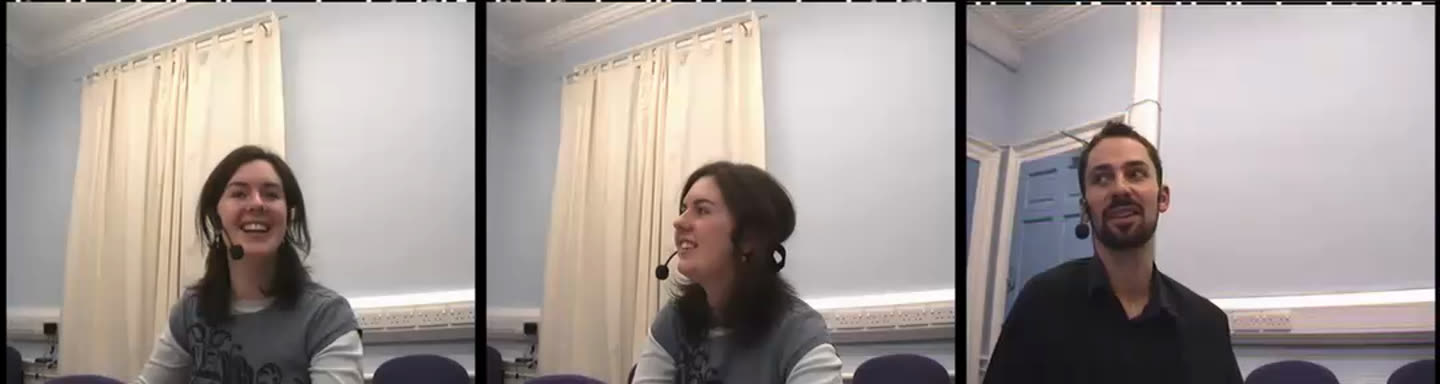
Given one paragraph of direction, the director cut a real four-camera meeting into a 7:48 episode. It kept the introductions, the brief and the laughs, moved to the camera facing the whiteboard when the speakers left their seats, and said what it had checked and what it hadn't.
Works with Claude
Connect Claude to the Studio you have open. It reads the transcript, proposes the cut, and the change waits in your Studio for you to approve. Your footage stays where it is: only Claude's requests travel.
There's no price yet. Cutwright is in development, and the Studio in your browser is free to try.
No. Cutwright reads, cuts and renders on your computer. In the browser, your files are copied into the browser's own storage for this site and never uploaded.
For the Studio in your browser, Chrome or Edge on a desktop. The first time you index footage it fetches the speech model once, about 2.5 GB. The desktop Studio builds for macOS, Windows and Linux; signed installers come next. What runs where.
No. Opening, cutting and exporting never ask you to sign in. An account connects Claude to your Studio, and can email you when there's a new build. What an account keeps.
OpenTimelineIO opens in Resolve, Premiere, Avid and Kdenlive; Final Cut Pro 7 XML in Premiere, Resolve and Final Cut; EDL anywhere; captions as SRT and WebVTT. Graphics come as ProRes 4444 with alpha. Export.
Cutwright is the third of the wright family: Reelwright makes cartoons and Gamewright makes games, both directed by talking. Cutwright edits the footage you shot.
Open the demo in one click, or a folder of your own footage.
Want to hear when it ships? Make an account and turn on update emails.